Moving Your Lab from Paper Registers to Software, Step by Step
How to move a pathology lab from paper registers or Excel to lab software without stopping work: what to prepare, the first week and common mistakes.

Many good labs in Pakistan still run on a paper register, a typed report template and a cash book. It works until it doesn't: a patient asks for last year's report, the register is full, the template has an old range, and nobody can say how much was collected on Tuesday.
Moving to software is less painful than most owners fear, if it is done in the right order.
Before you start
Decide what "done" looks like
Write down the three problems you want software to fix. For example: "find old reports in seconds", "no more typing mistakes in reports", "know the day's cash at closing". Judge the change by those, not by how many features you use.
Collect what the software will need
- Your test list and prices. Copy them from your rate list. Note which tests you send out to another lab.
- Your reference ranges, especially any you changed for your own analysers.
- Your letterhead, as a good-quality image, and a sample of the paper you print on.
- Your doctors: names and qualifications of the pathologist and technologists for the report footer, and the list of referring doctors.
- Your staff: who will need a login and what each person should be allowed to do.
Choose a quiet day to start
Not the first of the month, not before Eid. A normal weekday morning is best.
What about old records?
Most labs do not need to type in years of old registers. Keep the registers safely, and start the software from day one. Within a few months most returning patients will have been registered again anyway. If you have records in Excel, ask your software provider whether they can be imported.
The first week
Day 1: Run the software alongside paper for the whole day. Register every patient in both. It is slower, but staff learn without risk.
Day 2-3: Software first, paper only as a backup. Print every report from the software. Check ten reports against the machine printout.
Day 4-5: Stop the paper register. Count the day's cash from the software's report and compare it with the cash in the drawer.
End of week 1: Meet the staff for fifteen minutes. What is slow? What is confusing? Most problems are settings (a range, a price, a report margin), not the software.
Training that works
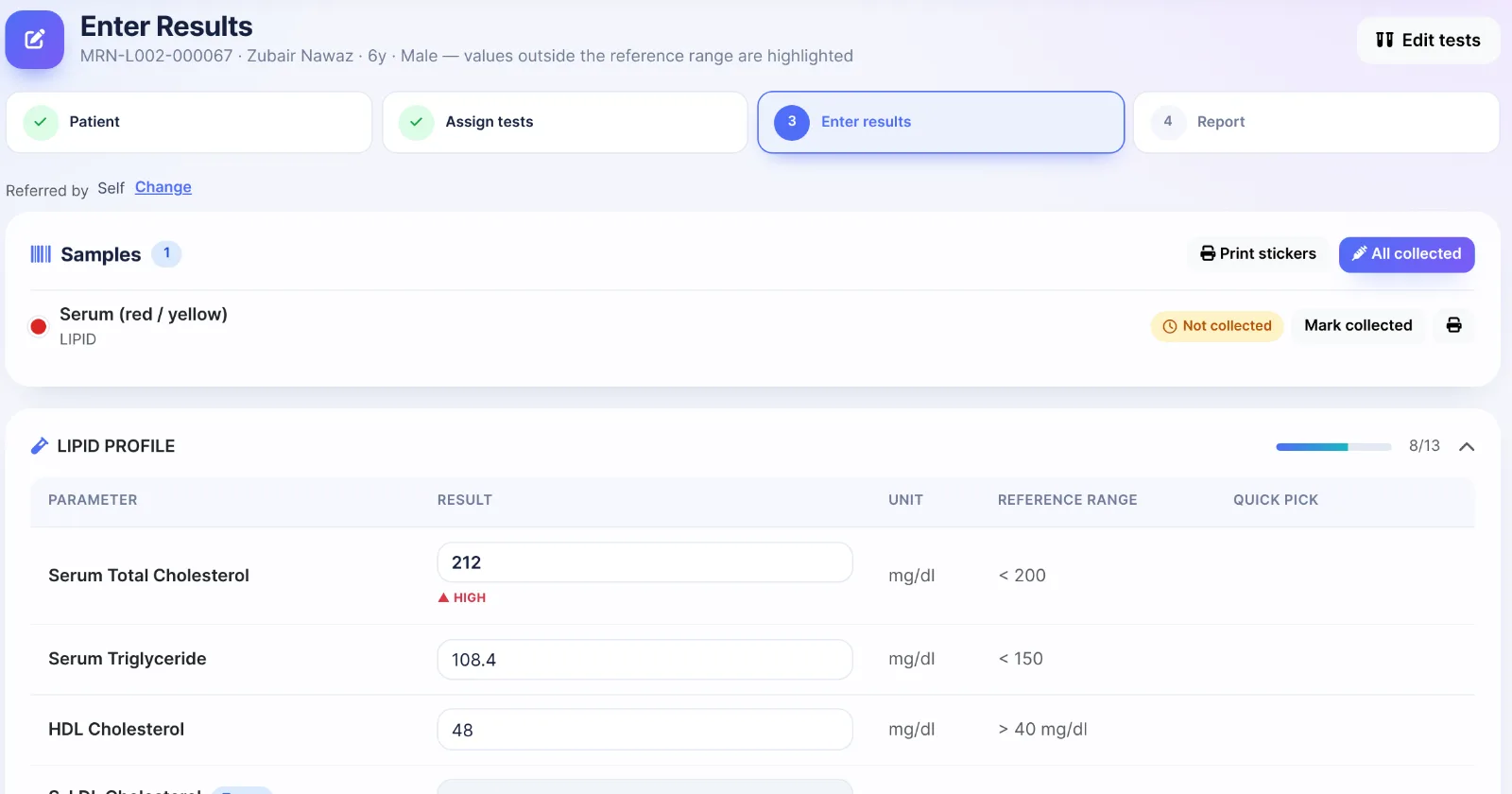
- Train each person on their own job only: reception on registration and payments, technologists on result entry, the pathologist on checking and completing.
- Let staff practise on sample patients first. A demo lab with made-up data is ideal for this.
- Put the one-page steps next to each computer.
- Pick one staff member who learns it best and make them the person others ask.
Common mistakes
- Typing results from memory instead of from the machine printout. Software makes reports neat; it cannot fix a wrong number.
- Sharing one login for the whole lab. You lose the record of who did what, which you will want when there is a dispute.
- Leaving default ranges that do not match your analyser.
- No plan for internet cuts, so staff go back to paper the first time the connection drops. Read how to keep your lab running without internet.
After the first month
Look at what the software now tells you that the register never could: which tests bring in the most income, which doctors refer the most patients, how long reports take, and how much patients still owe. That is where software starts paying for itself. For more on speed, see how to reduce report turnaround time.
Starting with SmartLAB
SmartLAB comes with a ready test list and ranges, so most labs only adjust prices and ranges and upload the letterhead before the first patient. You can try it in your own lab for 15 days without a card, and staff can practise first in the Try Demo lab with sample patients. See the pricing page, and how to choose lab software if you are still comparing.