How to Keep Your Lab Running When the Internet Goes Down
Load-shedding and internet cuts stop many labs that use online software. A practical plan for power, internet and software so the counter never stops.

In most Pakistani cities, a lab will lose its internet at some point this week. A fibre cut, a router that needs restarting, load-shedding that outlasts the UPS. If your lab software runs only in the browser, that is the moment the queue at the counter starts to grow.
This guide covers the three layers that keep a lab working: power, internet and the software itself.
Layer 1: power
Internet problems are often power problems in disguise. When the electricity goes, the router goes, even if the computer is on a UPS.
- Put the router and the network switch on the UPS, not only the computers.
- Size the UPS for at least an hour of the computers, the router and the printer. Analysers need their own protection.
- Check the UPS batteries every few months; they fade without warning.
- A generator or solar backup for longer cuts, if your area has them often.
Layer 2: internet
- Two connections from different companies. A fixed line plus a mobile data device. When one fails, switch to the other.
- Know who to call. Keep the support number of each provider at the counter.
- Restart in the right order: modem first, then router, then the computers, if a restart is needed.
Two connections cost less than a morning of lost patients.
Layer 3: software that does not need the internet every second
This is the layer most labs get wrong. There are three types of lab software:
| Type | Without internet | Data safety |
|---|---|---|
| Desktop only | Keeps working | Data on one computer; lost if it fails without a backup |
| Online only | Stops | Data backed up on a server |
| Online with an offline app | Keeps working | Saved on the computer, then backed up online when the connection returns |
The third type gives you both: the counter keeps going, and the owner still sees everything online once the connection is back.
What to check in an offline app
- Can you register new patients offline? Some "offline" apps only let you view old records.
- Do new patients get a proper MRN offline? If two computers are offline at the same time, they must not hand out the same MRN.
- Can you enter results and print reports offline? Printing is what the patient is waiting for.
- Can you take payments offline? And are they counted correctly when the computer syncs?
- Does it sync by itself? Staff will forget to press a sync button.
- What if two computers change the same record? Ask the vendor to explain exactly what happens.
- Can computers share work without the internet? Reception and the bench are often on different computers.
Things that will still need the internet
Be realistic. Some things depend on a connection whatever software you use:
- sending reports to patients on WhatsApp or SMS;
- patients downloading reports from a portal;
- the owner checking the lab from home;
- changes that affect the whole lab, such as the test list or staff logins, which should be made online so every computer gets the same change.
Plan for these to wait until the connection returns. A note at the counter, "Reports will be sent on WhatsApp within the hour", is enough for most patients.
A one-page plan for your staff
Print this and stick it near the reception computer:
- Internet down? Keep working in the desktop app. Do not switch to paper.
- Check the router lights. If off, check the UPS.
- Switch to the backup connection if it is a long cut.
- Tell patients who want WhatsApp reports that they will be sent once the internet is back.
- When the internet returns, check that the app shows it has synced before closing for the day.
How SmartLAB handles it
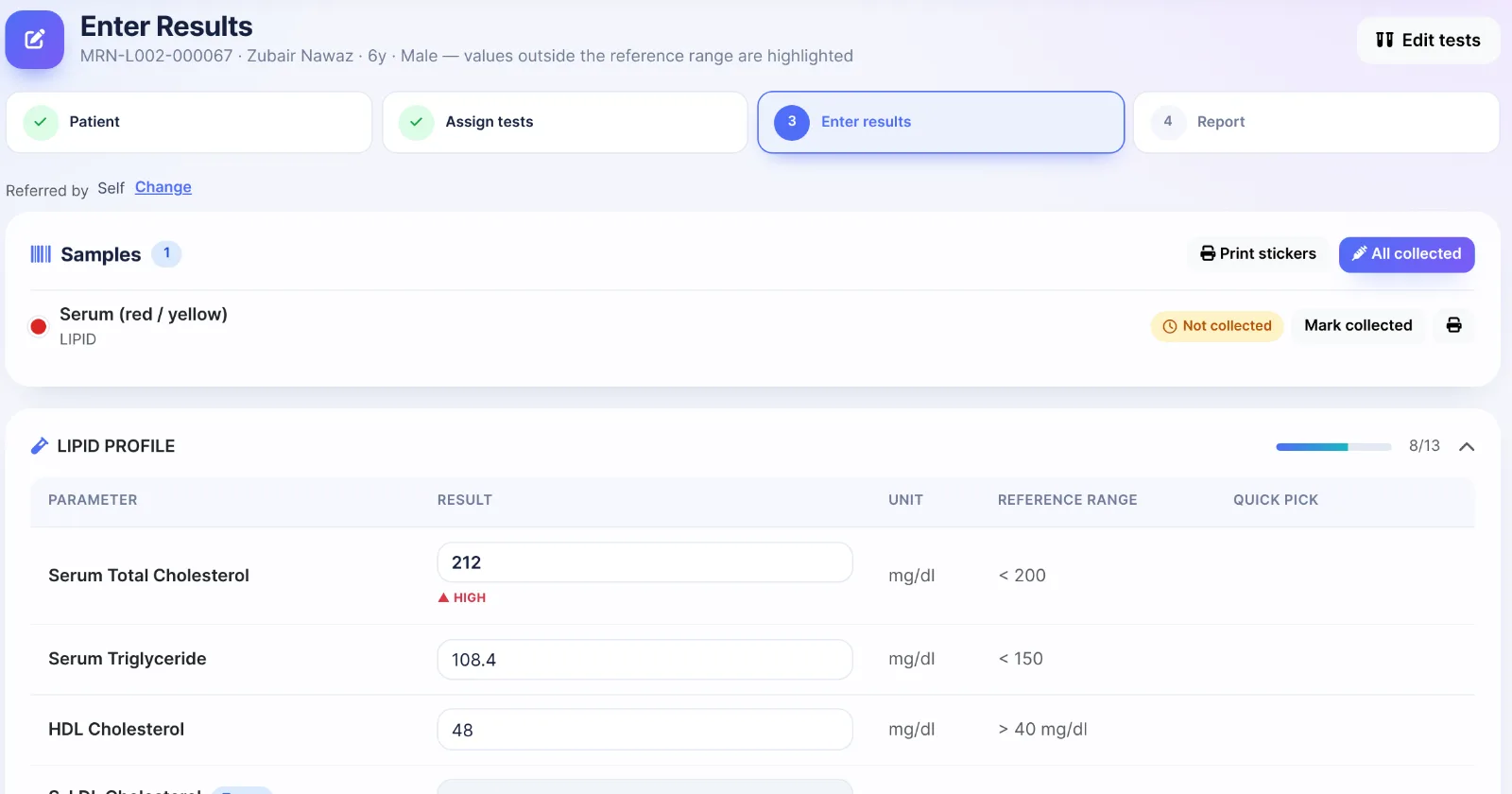
SmartLAB Desktop is the Windows app of SmartLAB, our lab software. It saves every registration, result and payment on the computer first, prints reports straight away and sends the work to the online account by itself when the connection is back. Each computer keeps its own block of MRN numbers so two computers never clash, and several computers can share work over the lab's own network with no internet at all. The details, and the download, are on the offline lab software page. It is part of the Standard plan on our pricing page.