
Offline lab software that keeps working when the internet doesn't
Load-shedding, a cut fibre line or a slow mobile signal should not stop your front desk. SmartLAB Desktop saves every patient, result and payment on the lab computer first, prints reports straight away, and sends the work to your online account by itself when the connection comes back.
You sign in with your lab account. No account yet? Start the 15-day free trial first.

How it works
- Install on each lab computer. Run the installer. It does not ask for an administrator password.
- Sign in once, with internet. The app downloads your test list, prices, report settings and recent patients.
- Work as usual. With or without internet. A small card shows "Synced", "Syncing" or "No internet, saved on this computer".
- It syncs by itself. Every two minutes when online, and as soon as the internet is back. Nothing is lost or entered twice.
Works without internet
- Registering patients, with their MRN
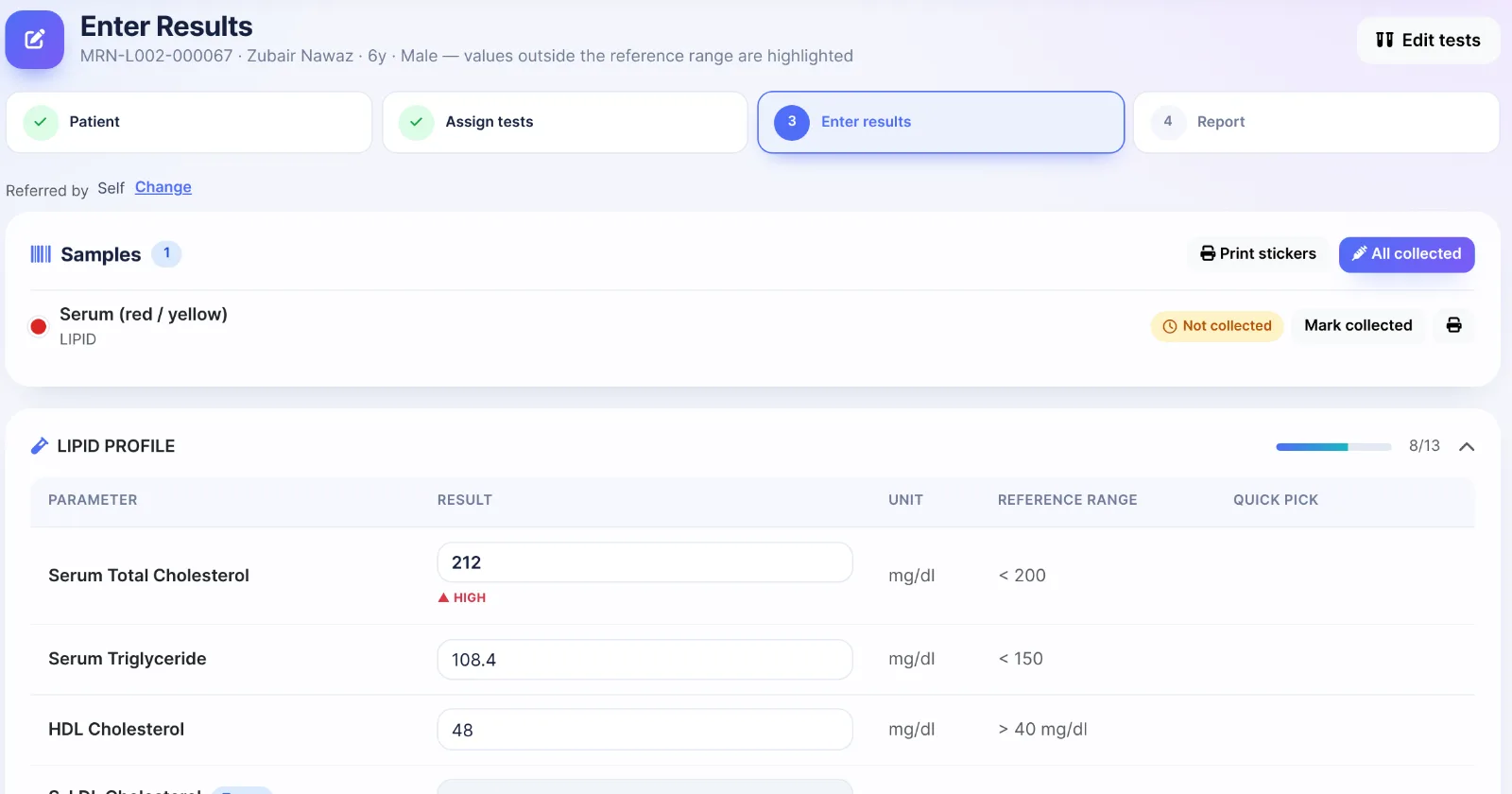
- Adding tests and entering results, with ranges and flags
- Printing reports, invoices and report slips
- Taking payments and recording expenses
- Receiving stock, finance, business reports, shift handover
Needs the internet
- The first sign-in on a computer
- Changing the lab profile, report settings and the test list
- Adding staff logins and printing patient cards
- Sending reports to patients on WhatsApp and the patient portal
These change the whole lab or reach patients, so they wait for a connection.
Two or more computers, no internet
Reception and the bench usually sit on different computers. Make one of them the hub and the others join it over the lab's own Wi-Fi or cable. A patient registered at reception shows on the technologist's screen a moment later, even with the internet down. The hub also keeps a daily copy of the lab's data, so a broken computer does not take your records with it.

Urdu or English, on every screen
Staff can switch the app to Urdu with one click. Menus, buttons and messages read right to left, while MRNs, phone numbers and results stay in their normal order. Reports print in English, as doctors expect, and Urdu text such as your lab's address or a note prints correctly on them.
The desktop app and the website use the same words and the same rules, so staff who learn one can use the other.
Questions about the desktop app
Does SmartLAB Desktop need the internet at all?
Only the first time: you sign in once with your lab account so the app can download your tests, prices and patients. After that the lab can work for days without internet. Work done offline goes to your online account by itself when the connection is back.
What if two computers register the same patient while offline?
Each computer keeps a block of MRN numbers, so two computers never give out the same MRN. If the same person was registered twice, the website shows both records under "Same patient, two MRNs" and a lab admin joins them with one click.
Can several computers work together without internet?
Yes. Make one computer the "hub" and the others join it over the lab's own network (Wi-Fi or cable). They share patients and results with each other, and the hub keeps a daily copy of the lab's data.
Windows says "Windows protected your PC". Is it safe?
That message appears because the installer is not code-signed yet. Click "More info", then "Run anyway". The installer does not need an administrator password and installs only for your Windows user.
Is the desktop app included in my plan?
It is part of the Standard and Multi-branch plans, and of the 15-day free trial.
How do I update the app?
When a new version is out, the app shows an "Update now" button. It downloads the new version, checks it and installs it. Your data stays on the computer.
Try SmartLAB in your own lab for 15 days
Register, add your prices and letterhead, and print your first report today. No card needed.
Read more
How to Choose Lab Software in Pakistan: 12 Questions to Ask
A checklist for lab owners comparing pathology lab software in Pakistan: offline work, reports, prices, data safety, Urdu and the questions vendors avoid.
· 6 min read
How Much Does Lab Software Cost in Pakistan?
What pathology lab software really costs in Pakistan: monthly plans vs one-time licences, the costs vendors leave out, and how to work out your total for a year.
· 4 min read
How to Keep Your Lab Running When the Internet Goes Down
Load-shedding and internet cuts stop many labs that use online software. A practical plan for power, internet and software so the counter never stops.
· 4 min read