LIMS vs LIS: What Is the Difference, and Which Does Your Lab Need?
LIMS and LIS explained in plain words for pathology and diagnostic labs in Pakistan, with what each does and how to tell which one you are being sold.

If you have looked at lab software, you have met the two abbreviations: LIMS and LIS. Vendors use them loosely, sometimes for the same product. Here is what they mean and why the label matters less than what the software does.
The short answer
- LIS (laboratory information system) is built around patients. A patient comes in, tests are ordered, samples are taken, results are entered, a report goes to the patient and the doctor, and a bill is paid. This is the daily work of a clinical or pathology lab.
- LIMS (laboratory information management system) is built around samples. A sample arrives (from a factory, a farm, a research project or a hospital), it is tracked through tests, stored, and the results go to whoever sent it. LIMS is common in pharmaceutical, food, environmental and research labs.
In Pakistan, most people say "LIMS" for both. A pathology lab looking for a "LIMS" almost always needs what is technically an LIS.
Side by side
| LIS (clinical lab) | LIMS (industrial / research lab) | |
|---|---|---|
| Centre of the system | The patient | The sample or batch |
| Typical user | Pathology lab, diagnostic centre, hospital lab | Pharmaceutical QC, food testing, research |
| Key records | MRN, age, sex, doctor, visit | Batch number, client, chain of custody |
| Output | Patient report, bill, doctor copy | Certificate of analysis, client report |
| Money | Billing per patient, dues, cash | Contracts, invoices to clients |
| Regulation in Pakistan | Provincial healthcare commissions | DRAP, food authorities, ISO 17025 |
What a pathology lab actually needs
Ignore the label and check for these:
- Patient registration with MRN, CNIC and phone, and a way to recognise returning patients.
- Test ordering with prices and an automatic bill.
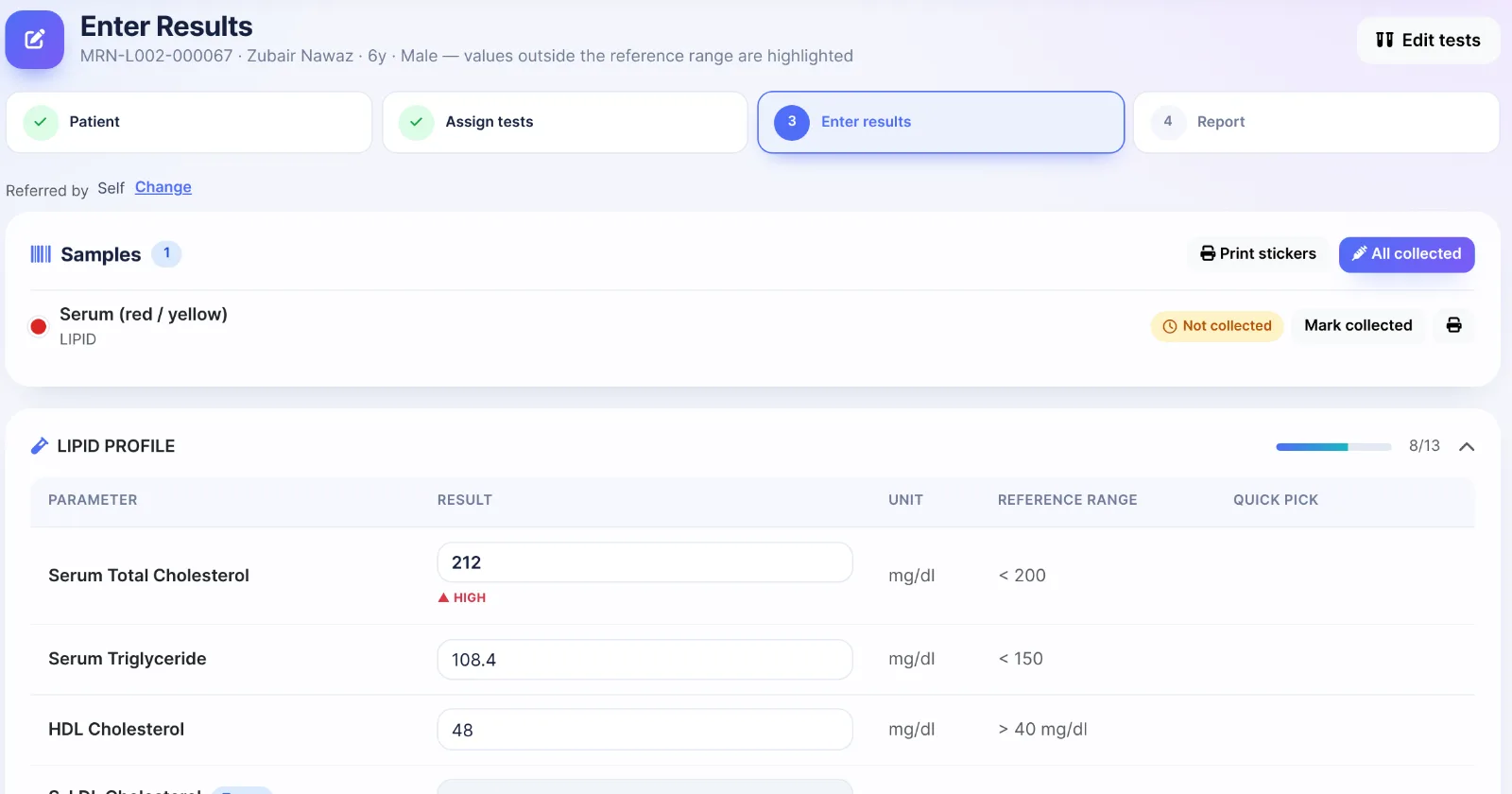
- Result entry with ranges by age and sex, flags and calculated values.
- Reports that print correctly on your paper and can be checked for authenticity.
- Money: payments, discounts, dues, expenses, cash handover between shifts.
- Patient access: report tracking, a portal, report links on WhatsApp.
- Work that continues offline, because the internet will go.
- Reports for the owner: income by test, by doctor, by month.
Large hospital labs may also need machine interfacing (results sent straight from the analyser) and links to a hospital system. Small and medium labs usually do not, and should not pay for them.
Red flags when buying
- A system built for pharmaceutical or food labs, with "patient" bolted on. It will feel wrong at the counter.
- A long list of modules you will never use, each adding to the price.
- No clear answer about what happens without internet.
For a full checklist, see how to choose lab software, and for prices, how much lab software costs.
Where SmartLAB sits
SmartLAB is a laboratory information system for pathology and diagnostic labs: patient-centred, with registration, results, reports, billing and a patient portal, online and offline. It is not a LIMS for industrial or research labs. See pathology lab software for what it does.