
The right range
Normal values by age and sex for each test, printed beside the result.
Type the results once and SmartLAB prints a neat report: units, the normal range for the patient's age and sex, abnormal values in bold with H or L, and the names and signatures of your doctors.

Normal values by age and sex for each test, printed beside the result.
Results outside the range print in bold with H or L, so doctors see them at once.
Your own letterhead, a built-in design, or pre-printed paper. Pathologist and technologist names at the bottom.
Each report has a QR code. Scanning it shows the lab, the report number and the date, so a made-up report is easy to spot.
Print at the counter, save as PDF, or send the patient a link.
Method and interpretation text that prints under a test.
Each test group has its own heading. The columns are Test, Result, Unit and Reference range. Long reports run over several pages with the patient details and page numbers on each page, and reports still waiting for some results are marked provisional.
Results are entered on one screen per patient. As soon as they are saved, the report can be printed, or the patient can download it once the bill is paid. Small labs can also print three short reports on one A4 sheet.
Values like LDL, VLDL, A/G ratio and MCV are worked out from the other results, so nobody does them by hand. High and low results are flagged on screen as they are typed, before the report is saved. Labs can also turn on pathologist approval: the report then carries the signature of the pathologist who approved it.
See every report design: letterhead, slips and pre-printed paper
The patient's name, age, sex and MRN; the referring doctor; sample and report dates; each result with unit and reference range; abnormal values marked; and the pathologist's name. Our guide on the lab report format goes through each part.
Yes. Choose the letterhead, colours, title and footer text, and turn the QR code, charges and signatures on or off.
Yes, as a secure WhatsApp link or through the patient portal.
Register, add your prices and letterhead, and print your first report today. No card needed.

The parts of a clear pathology lab report, from patient details to reference ranges and signatures, with the mistakes that make doctors call the lab back.
· 4 min read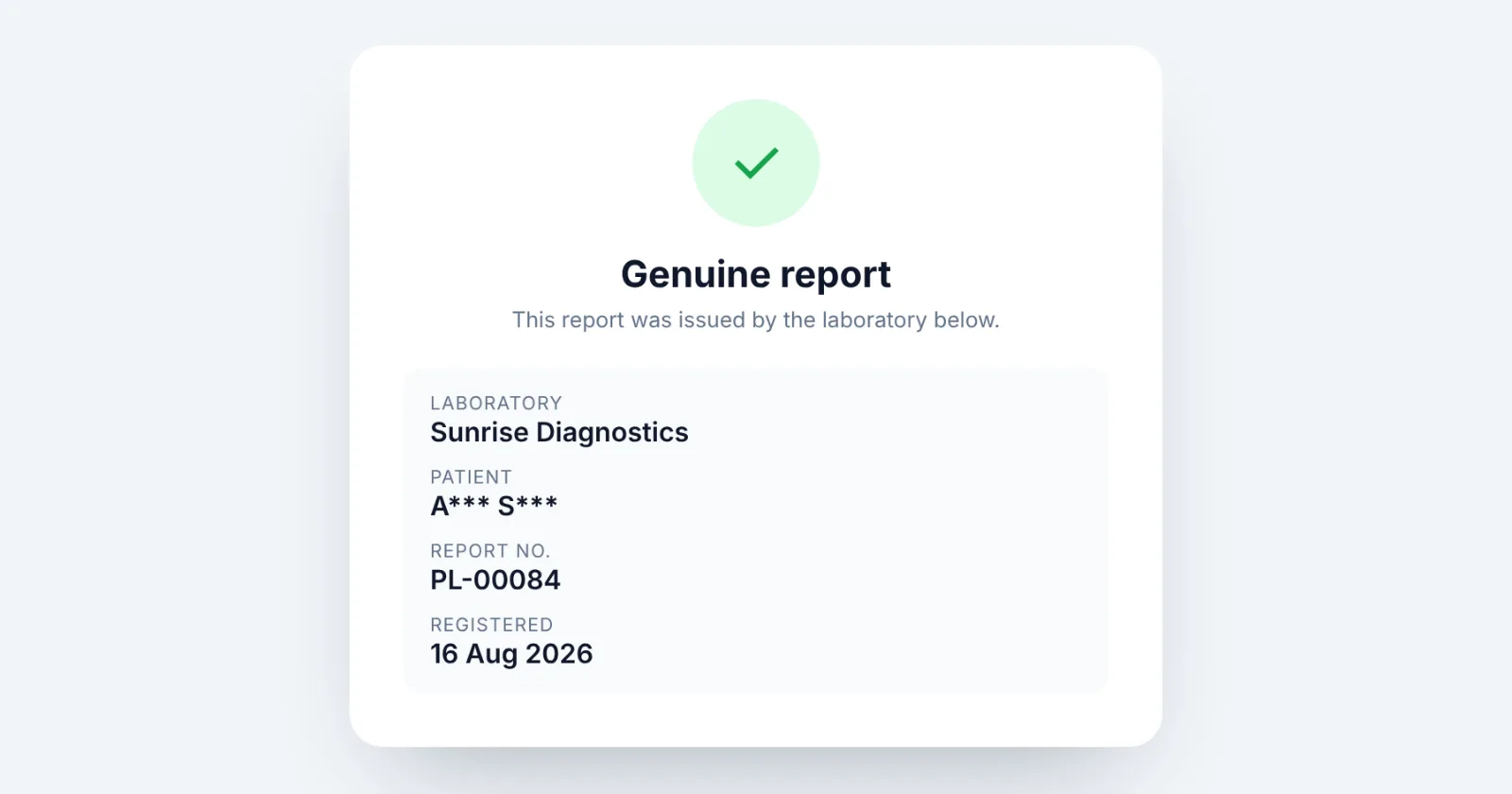
Fake and edited lab reports are common. How doctors, employers and patients can check a report really came from the lab, and what labs can do to make it easy.
· 3 min read
Patients want their lab reports on WhatsApp. How to send them safely, what to avoid, and why a secure link is better than a photo or a PDF in the chat.
· 3 min read