Pathology Lab Report Format: What Every Report Must Include
The parts of a clear pathology lab report, from patient details to reference ranges and signatures, with the mistakes that make doctors call the lab back.

A lab report has one job: tell the doctor what the result is, whose it is, and whether it is normal, without any doubt. Most complaints labs get about reports are not about wrong results. They are about reports that are hard to read, missing a range, or missing a detail the doctor needed.
Below are the parts a pathology report should have, in the order a doctor reads them.
1. The lab's details
At the top: the lab's name, address and phone number. If you print on a letterhead, keep the top margin the same on every report so the letterhead and the text never overlap. Not sure whether to use pre-printed paper or let the software print it? See lab report letterhead options. If the lab is registered or licensed with your provincial healthcare commission, many labs show the registration number here as well.
2. Patient and visit details
A small block with:
- Patient name and father's or husband's name (two patients with the same name are common);
- age and sex, because reference ranges depend on both;
- MRN or lab number, unique to the patient;
- referring doctor;
- specimen (blood, serum, urine and so on);
- date and time collected and date and time reported;
- a report number and, ideally, a barcode.
Do not print the patient's CNIC or phone number on the report unless there is a reason. The report gets passed around; personal details should not travel with it.
3. The results table
One section per test group (Haemogram, Lipid Profile, LFT), each with four columns:
| Test | Result | Unit | Reference range |
|---|---|---|---|
| Haemoglobin | 11.2 L | g/dL | 12.0 - 15.5 |
Rules that make the table easy to read:
- The reference range must match the patient. A range for adult men on a child's report is a real error, not a style problem.
- Mark abnormal values clearly: bold, with H or L next to them. Do not rely on colour alone; reports are often photocopied in black and white.
- Keep units on every line, even when they repeat.
- Group sub-sections such as the differential count under its own small heading.
- Calculated values (LDL, VLDL, A/G ratio, MCV, MCH) should be worked out by the system, not by hand.
4. Notes and interpretation
Some tests need a line of explanation: the method used, a comment on a borderline value, or a note that the sample was haemolysed. Put it directly under the test it belongs to, in smaller text, not at the end of the report where it gets missed.
5. Status
If some results are still pending, the report should say provisional clearly. A final report replaces it. Doctors need to know which one they are looking at.
6. Signatures
At the bottom: the name, qualification and signature of the pathologist who checked the report, and of the technologist who did the work. If the report runs onto a second page, the patient's name and the page number should be on every page.
7. A way to check it is genuine
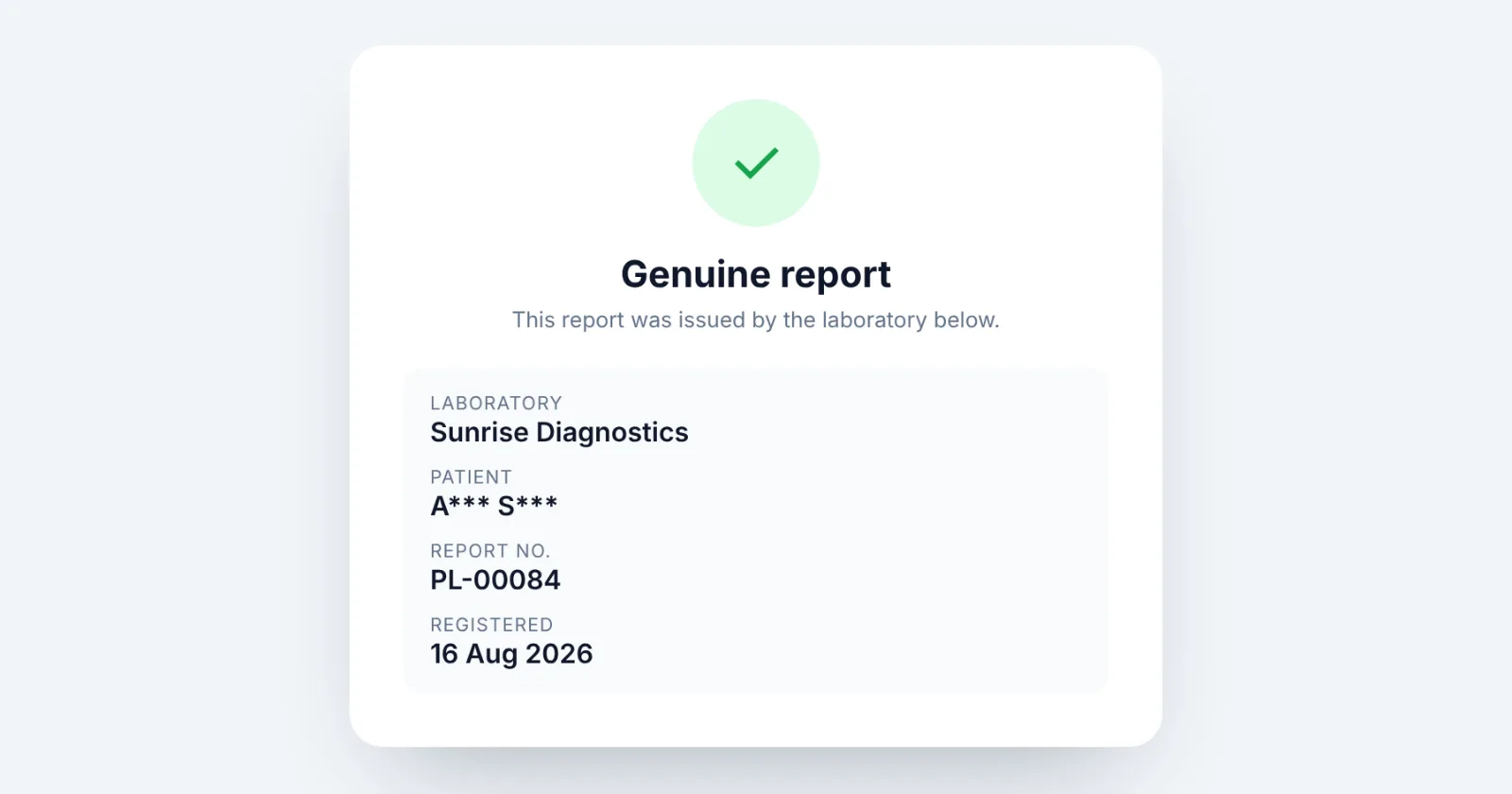
A QR code that opens the lab's record of the report lets a doctor or an employer check that the report came from your lab. Read how to check a lab report is real for how this works and what it can and cannot prove.
8. The small print
A short line such as "Results relate only to the sample tested and should be correlated clinically" is standard. Keep it short.
Common mistakes
- Copying results by hand from the machine printout into a typed report. This is where most wrong values come from.
- Old reference ranges left in the template after the lab changed its analyser or reagents.
- Text squeezed when the test name is long, so the result moves into the wrong column.
- Different layouts from different staff members, so doctors have to search each report.
- No date and time of collection, which matters for sugar, hormones and drug levels.
How software helps
Report templates in Word or Excel break easily: one wrong cell and the range belongs to the next line. Lab software keeps each test's units, ranges and formulas in one place and prints the same layout every time. When you compare options, ask for a printed report on your own paper, as we suggest in how to choose lab software.
In SmartLAB, results are entered on one screen and the report prints with the ranges for the patient's age and sex, high and low values in bold with H or L, your letterhead, the doctors' names and a QR code. See lab report software and all the report designs for examples.