Register patients, enter results with ranges and formulas, print reports with a QR check and keep the money straight. Use it in the browser, or on Windows with SmartLAB Desktop when the internet goes.
Looking for your report? Track it here or .


Made around how a lab in Pakistan works, so staff type less and patients wait less.
MRN, CNIC and phone captured once. A returning patient is found by CNIC or phone and keeps the same MRN.
Every test of a visit on one screen. LDL, ratios and other values worked out for you; high and low flagged as you type.
On your letterhead, with ranges, signatures and a QR code. Or send the patient a WhatsApp link.
Bills, discounts, dues, expenses, referring doctors and cash handover at the end of each shift.
SmartLAB Desktop keeps the counter working during load-shedding and syncs by itself.
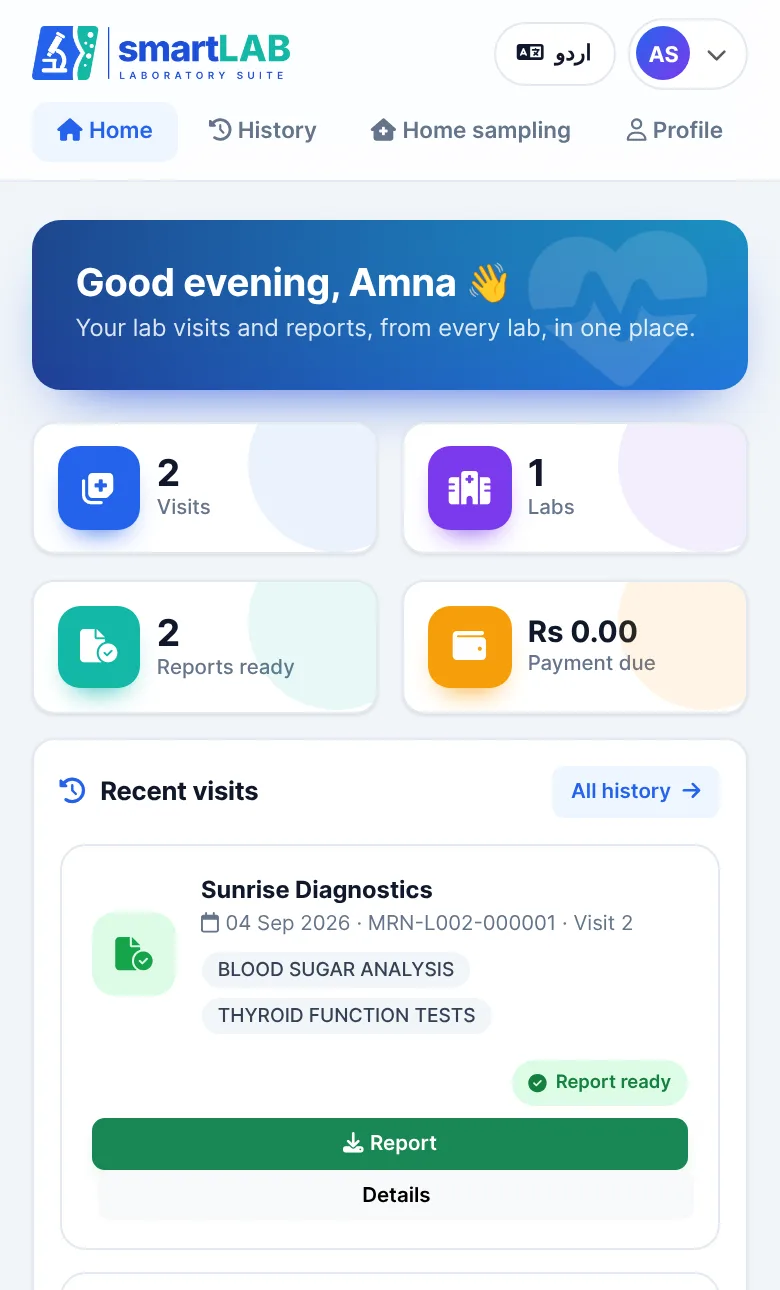
Patients sign in with their MRN, CNIC or phone and download their reports from every lab that uses SmartLAB.
These are the actual screens, not drawings.


Install SmartLAB Desktop on your lab computers. Staff register patients, enter results, take payments and print reports even when the internet is down.
Version 0.33.64 · Windows 10 and 11

Connect your CBC and chemistry machines to SmartLAB Desktop. The Sample ID on the machine is the patient's MRN number, so each result finds its patient.
CBC and chemistry results go into the patient's report by themselves. No retyping, no typing mistakes. Staff check and complete the report as before.
Works with analysers that send HL7 or ASTM over the network or a serial / USB cable, through SmartLAB Desktop on the lab computer, also without internet.
Erba H360 and XL, Mindray BC and BS, Sysmex XN-L and XP, Roche Cobas c 111. Another HL7 or ASTM machine? Pick the test line for each result name once.
No training manual needed. Each screen shows the next step.
Name, ID card and phone. The patient's portal login is created automatically.
Tick as many tests as needed and see the bill build up live.
One page for all tests, with ranges, flags and formulas done for you.
Print the PDF, or the patient downloads it from the portal once the bill is paid.
Enter your ID card number, phone number or MRN to see how far your visit has come. No login needed.
Have a patient card?
Sign in with your ID card number, MRN or phone number and the password on the patient card the lab gave you. You can change your password any time from your profile.
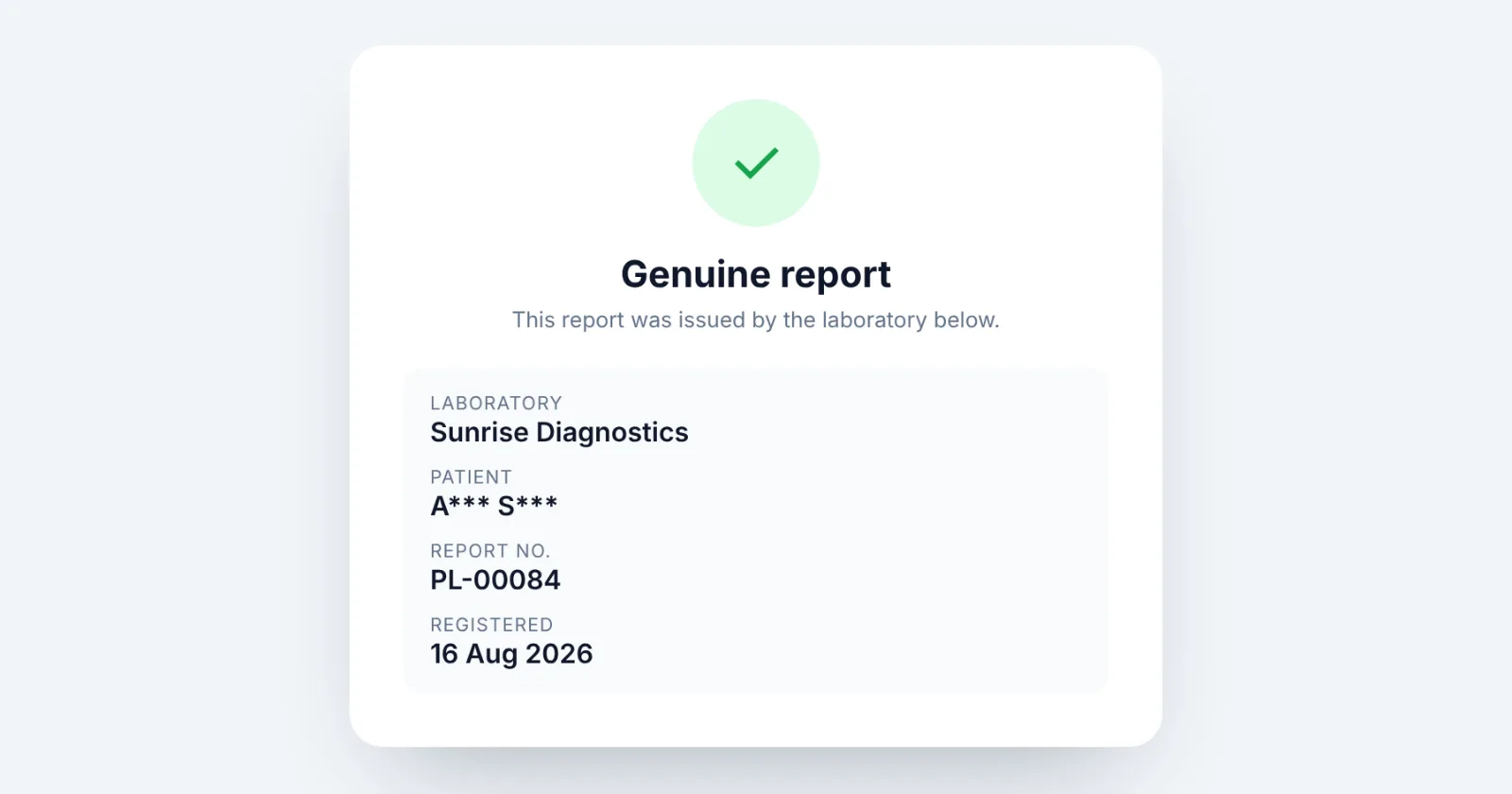
Fake and edited lab reports are common. How doctors, employers and patients can check a report really came from the lab, and what labs can do to make it easy.
· 3 min read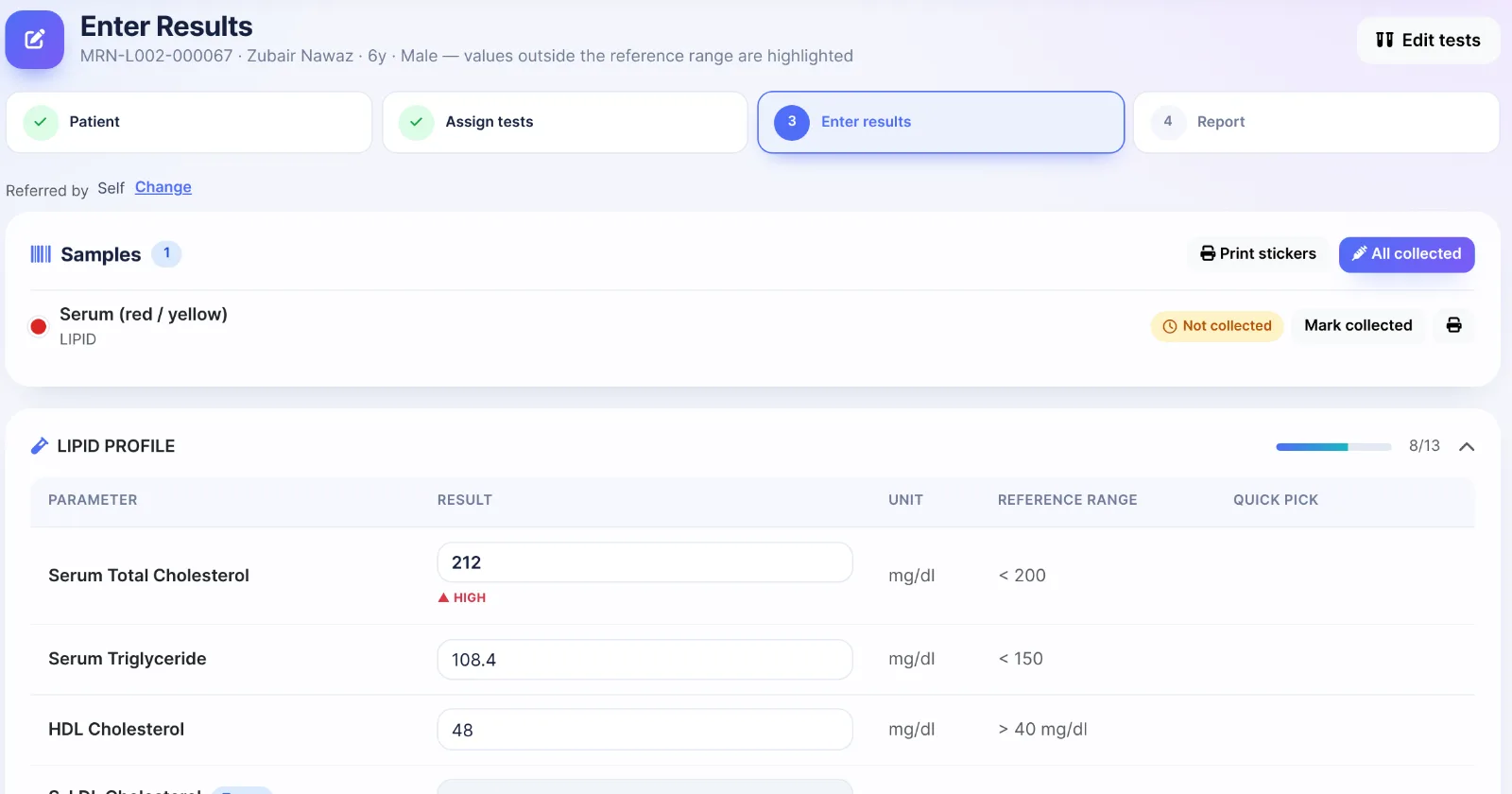
A checklist for lab owners comparing pathology lab software in Pakistan: offline work, reports, prices, data safety, Urdu and the questions vendors avoid.
· 6 min read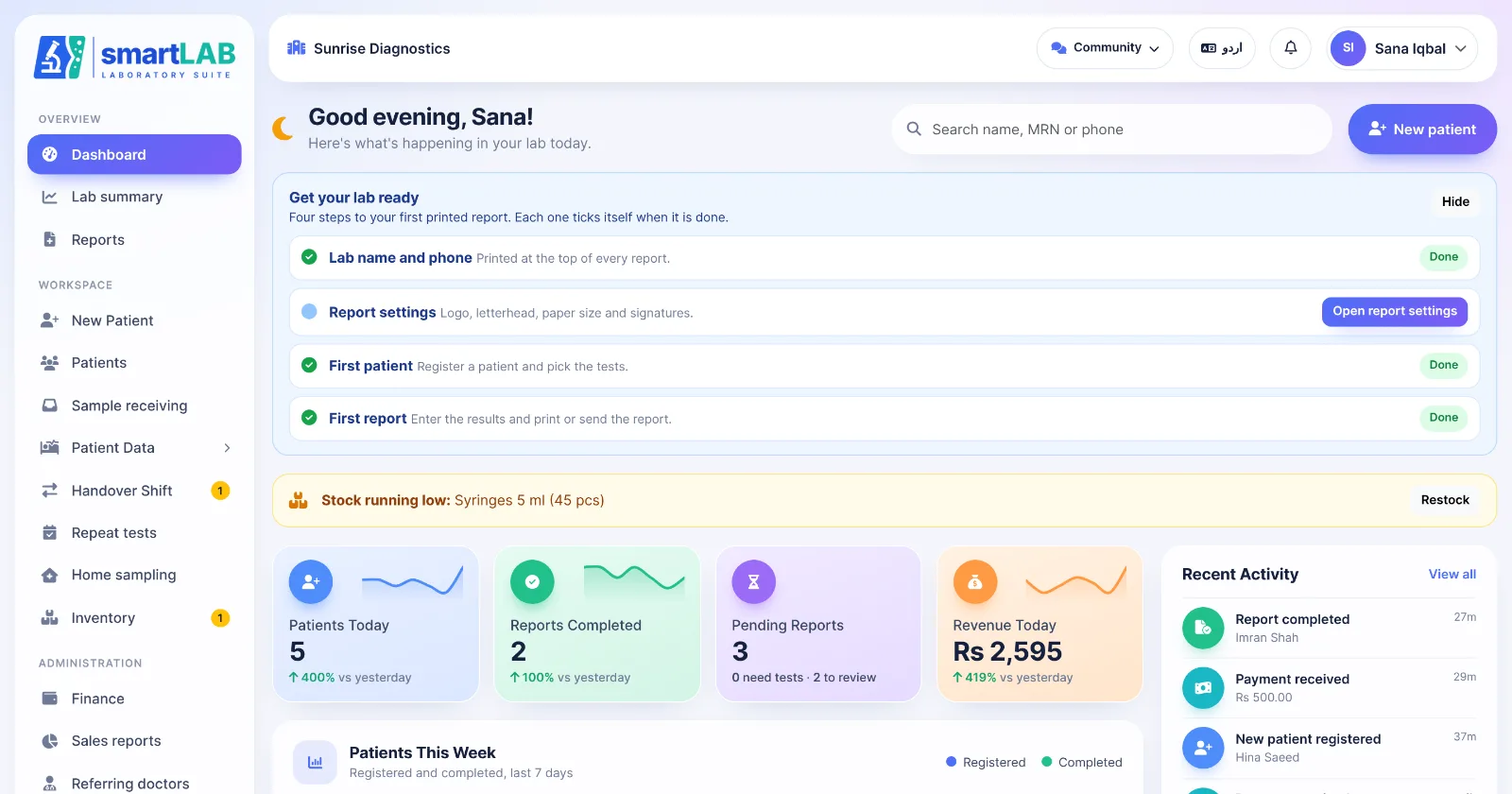
A step-by-step guide to opening a clinical or pathology lab in Pakistan: the healthcare commission in each province, staff, equipment, waste and software.
· 4 min readSearch diagnostic and pathology labs by city or name, and see their address, phone and the tests they perform.
SmartLAB is lab software for pathology and diagnostic labs: patient registration, result entry with reference ranges and formulas, printed reports with a QR check, billing, expenses, stock and a patient portal. It runs in the browser, and as SmartLAB Desktop on Windows.
Yes, on Windows computers with SmartLAB Desktop. Staff register patients, enter results, take payments and print reports offline; the work goes to your online account by itself when the internet is back.
Plans start at Rs 1,499 a month. Every plan starts with 15 days free, and you do not need a card.
Use "Track report" with your CNIC, phone number or MRN to see the status, or sign in to the patient portal to download the PDF. Many labs also send a WhatsApp message with a secure link to the report.
Every report printed by SmartLAB has a QR code. Scan it with your phone camera to see the lab that issued it, with the report number and date.
Yes. SmartLAB Desktop on the computer cabled to the machine takes results from analysers that send HL7 or ASTM, over the network or a serial / USB cable, also without internet. Ready-made: Erba H360 and XL-200 / XL-640, Mindray BC and BS series, Sysmex XN-L and XP-100 / XP-300, Roche Cobas c 111. For any other HL7 or ASTM machine, the lab picks the test line for each result name once. Staff type the MRN number as the Sample ID, and still check the report before it is completed.
The screens for lab staff and patients are in English and Urdu; each person picks a language with one click. Reports print in English.
Tell us a little about your lab and we will call you to set up your account and answer any questions.


